
History, Notifications, and Discord
Track completed work, receive local updates, and send task reports to Discord.
ZeroTrace Proxy keeps a lightweight operational memory around task runs and exports.
Task History
Task history keeps the latest run records so the Overview page can show recent activity.
| Field | Meaning |
|---|---|
| Tool | Extractor, checker, benchmark, chain tester, leak test, or other source. |
| Task ID | Internal run identifier. |
| Name | Task name shown in the app. |
| Status | Completed, stopped, failed, or current state. |
| Metrics | Input, output, success, failure, and average latency values where available. |
History is capped at 250 entries.
History entries also store href, created timestamp, completed timestamp, and updated timestamp, then sort newest-first for the dashboard.
Notifications
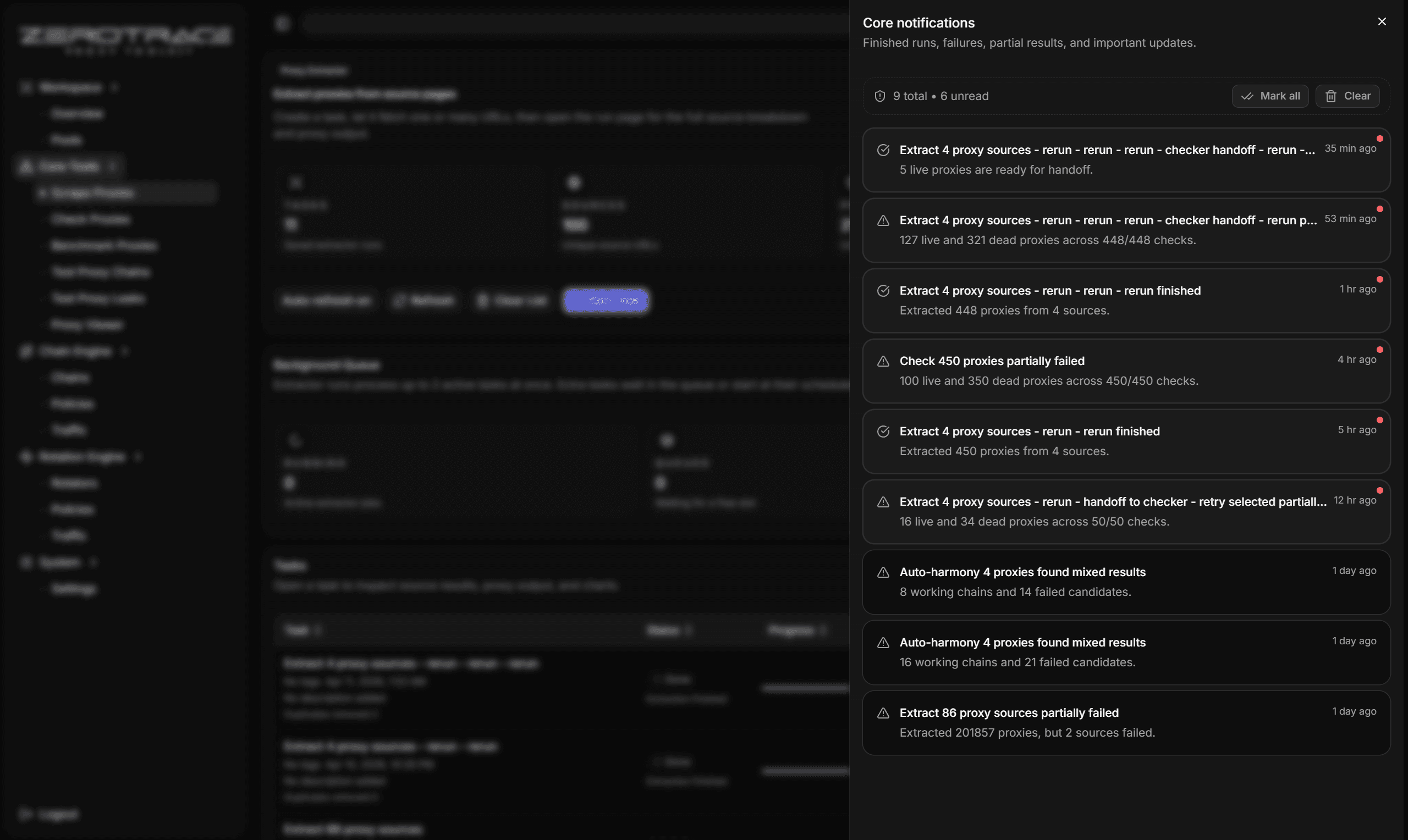
Notifications surface finished runs, failures, partial results, and important updates.
You can:
- open the notification center
- see unread count
- mark one notification as read
- mark all as read
- clear notifications
Notifications are capped at 250 entries.
Notification entries store kind, tool, task ID, title, message, href, level, created timestamp, and read state.
Discord Reports
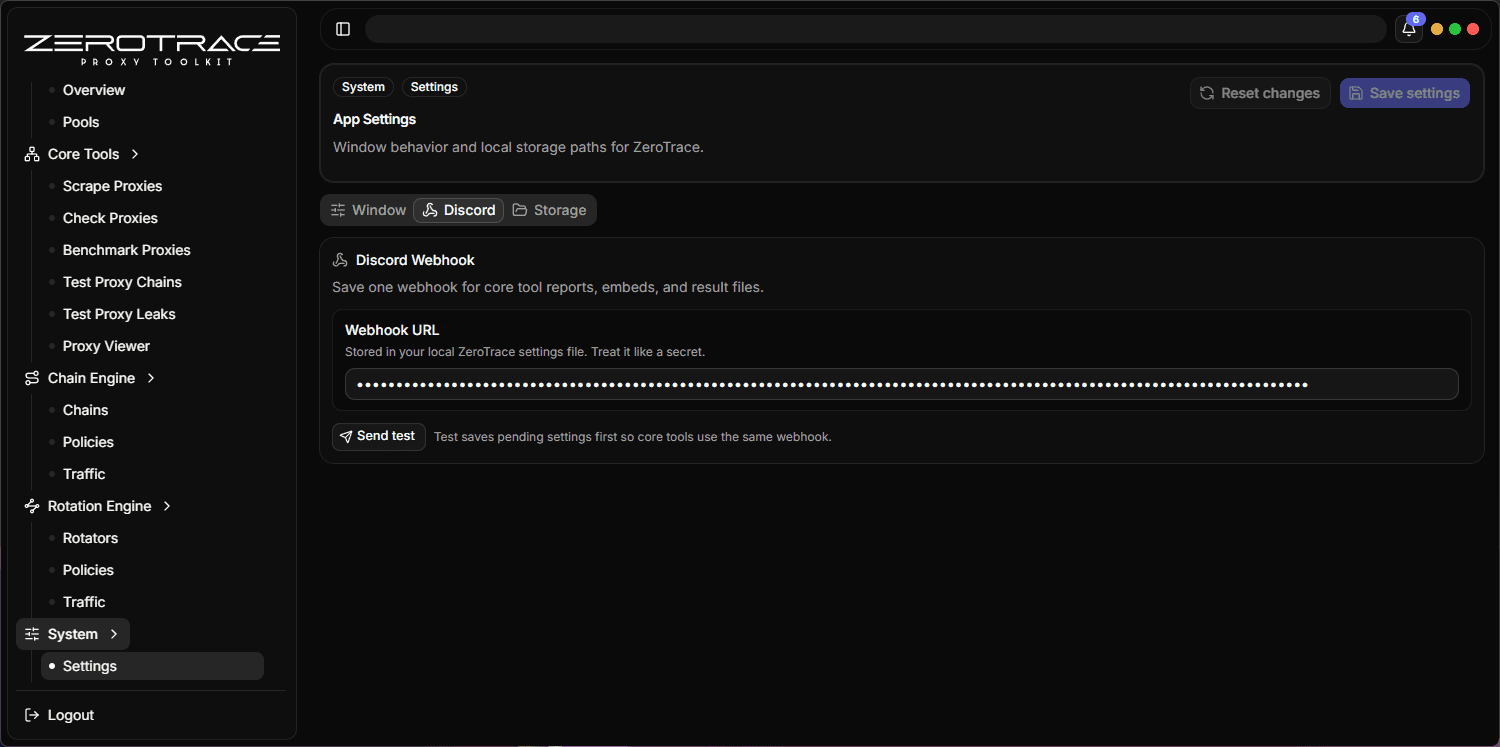
When a Discord webhook is configured in Settings, core task pages can send result summaries and attached text exports.
Discord Limits
| Item | Limit |
|---|---|
| Content | 1900 characters |
| Embeds | 10 |
| Embed title | 256 characters |
| Embed description | 4096 characters |
| Embed fields | 25 |
| Embed field name | 256 characters |
| Embed field value | 1024 characters |
| Files | 10 |
| File content | 7 MiB before truncation marker |
Discord exports can send content, embeds, and attached files. When files are present, ZeroTrace Proxy uses multipart upload and truncates oversized file content with a [truncated] marker.
Webhook Safety
The webhook URL must use HTTPS and the host must contain discord. Do not show webhook URLs in screenshots or shared reports.
Before sending to Discord, review the export set. Proxy credentials, task names, notes, and tags can reveal operational context.