
Workspace
Task Profiles
Save and reuse common task setups for each ZeroTrace Proxy tool.
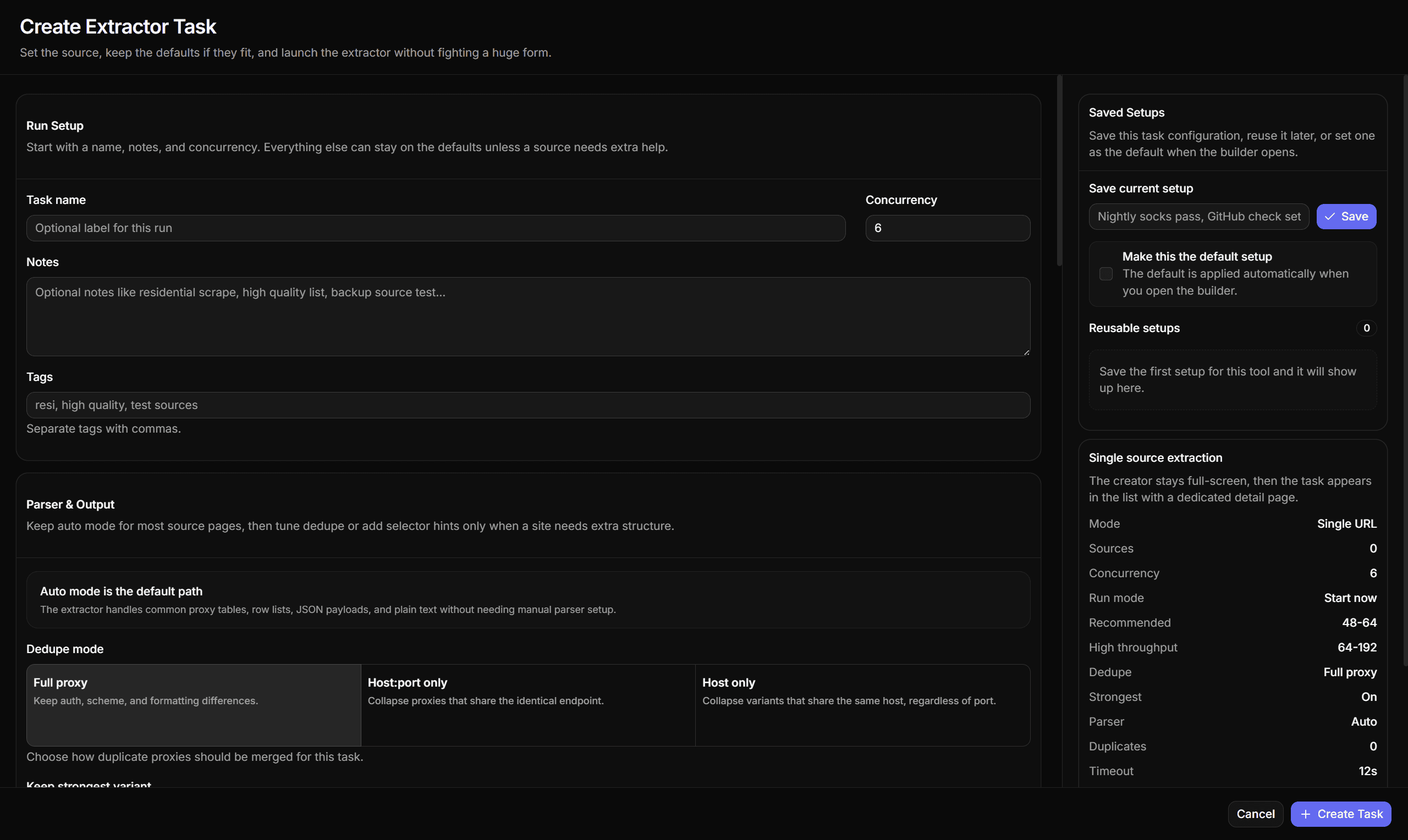
Task profiles store a tool setup so you can reuse it later. Each tool has its own profile list and one optional default.
What Profiles Are Good For
| Use case | Example |
|---|---|
| Repeated checker settings | Auto protocol, HTTPS enabled, resolve country, 15 second timeout. |
| Target-specific probes | Expected status codes for a specific target URL. |
| Extractor presets | JSON path or HTML selector for a known source. |
| Benchmark presets | 5 or 10 rounds for stronger stability testing. |
| Chain harmony presets | Max hops and candidate budget for a known candidate pool size. |
Profile Actions
| Action | Meaning |
|---|---|
| Save | Store the current task draft as a named profile. |
| Apply | Replace the current draft with the saved profile payload. |
| Set default | Make this the setup applied when the tool opens. |
| Delete | Remove the saved profile. |
Tiny Behaviors
| Behavior | Detail |
|---|---|
| Per-tool storage | Profiles are stored per tool under zerotrace-task-profiles. |
| One default | Only one default profile can exist per tool. |
| Auto-apply | The default setup is applied when that tool's builder opens. |
| Sorting | Default profile appears first, then profiles sort by updated time. |
| Payload focus | Profiles store setup, not result rows. |
Naming Profiles
Use names that describe the task behavior:
Default checker 15sTarget status 200 403HTML table extractorBenchmark 5 roundsHarmony depth 3
Avoid ambiguous names like profile 1 or new settings.
Default Profiles
Only one profile can be default for a tool. Defaults are useful when most tasks should start from the same known setup.
Profiles save task setup, not task results. Use pools for proxy entries and history for completed runs.